


ExamView: Creating an Account

Jul 27, 2026
 1857
1857
ExamView is a third-party product offered by Echo360.
You will need to create an account at Turning Technologies (https://account.turningtechnologies.com/account/)
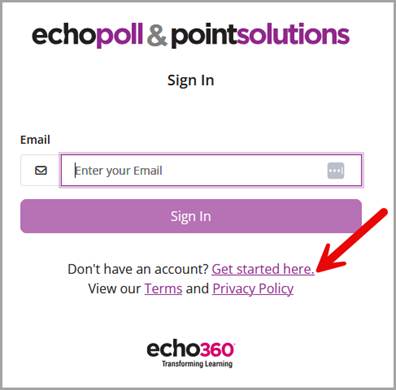
- Select the "Get started here" link and then enter your school or organization email address and select "Next".
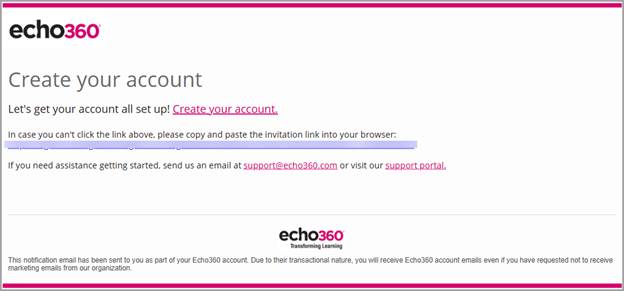
- Check your email and select the link to verify your account. (If you did not receive an email, check your Spam folder.)
- Enter all fields as noted with asterisks.
- Enter and confirm your password.
- Agree to the Terms and Conditions, and select "Finish".
Creating an Account: Video Tutorial

