VitalSource eReader: What is the Language Feature?

Jul 01, 2026
340

VitalSource eReader: What is the Language Feature?
Note: The language feature only changes the language of the interface; it does NOT translate the text in the eBook.
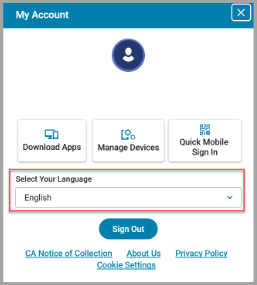
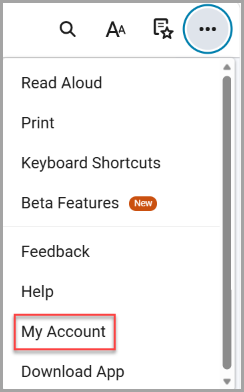
Steps to Change the Language of the eReader Interface:
1. Select the three dots in the upper right-hand corner.

2. Select “My Account”.
3. Use the drop-down menu to select your preferred language.