VitalSource eReader: How to Use Bookmarks

Jul 01, 2026
314

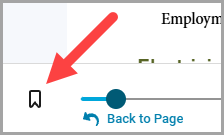
- To bookmark a specific page of the eBook, select the bookmark icon on the bottom left of the eReader interface.
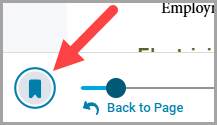
- To delete a bookmark, deselect the bookmark icon.
How to View Your Bookmarks
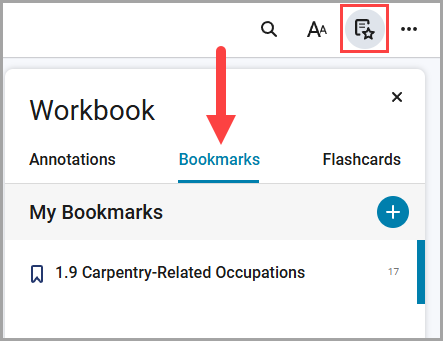
- Select the "Highlights, Notes, Bookmarks, and Flashcards" button in the upper right-hand corner to view the Bookmarks tabs. Select the Bookmarks tab to view the saved bookmarks. Select a specific bookmark to link to its location in the book.
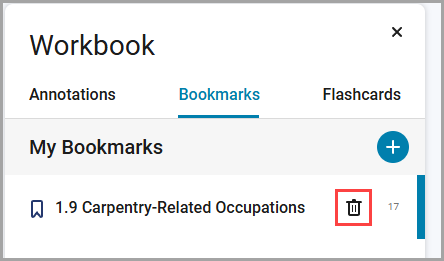
- Select the Trash icon to delete a bookmark from this view