


G-W Ignite- How to Hide Columns in Reports

Jan 19, 2026
 59
59
1. Use the Hide Columns option in the top right corner to selectively hide individual student(s) within the course report.
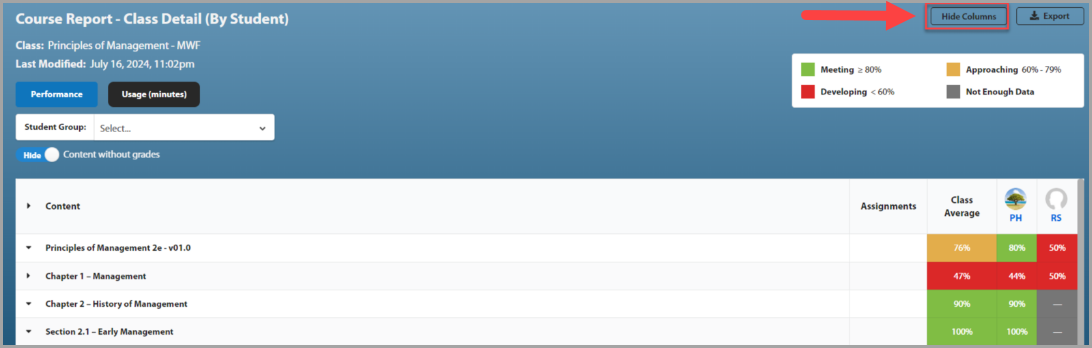
- If you hide all students from view, only the class average will appear in the grading report.
- You can click Reset All to restore the full view.

