G-W Ignite Instructor: How to Archive a Student
Last updated: Jul 27, 2026
500
views

Archiving a student will remove the student from your active roster and all future assignments.
-
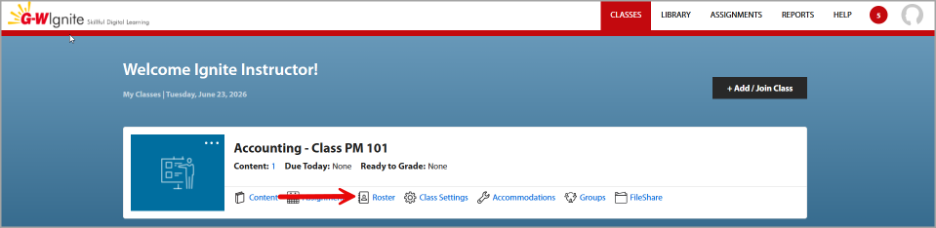
Locate your course and select “Roster”.
-
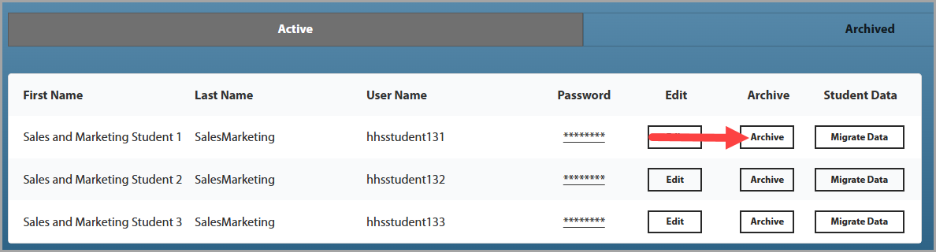
Locate the active student you would like to archive. To the right of the student's name, select “Archive”.
-
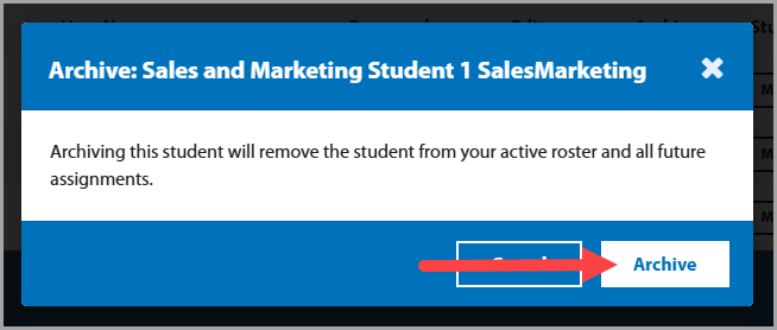
A dialog box will populate, select "Archive".
-
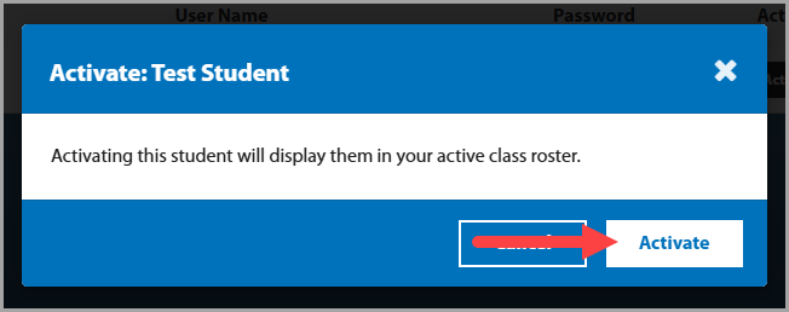
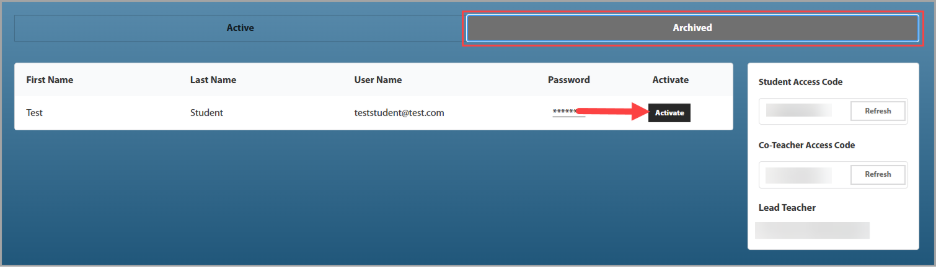
To locate an archived student, from the Roster page, select the Archived tab. Here you can reactive the student to add them back to your roster if needed.
-
Select "Activate" to display the student on your active roster.