G-W Ignite Student: How to Navigate the Student Interface

Jul 31, 2026
1995

After logging in to G-W Ignite, a student will be able to select a variety of features on the Navigation Bar to find their course materials.
Dashboard: Students will find a variety of widgets including quick access to their books and upcoming assignments.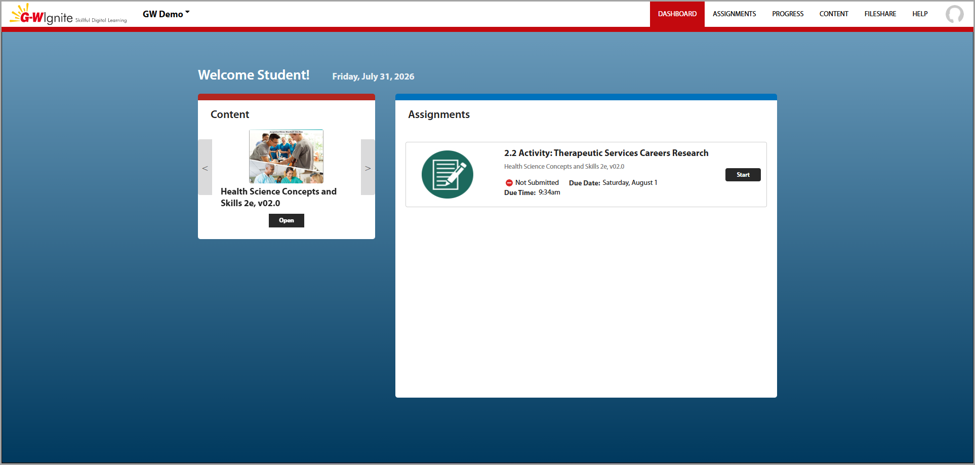
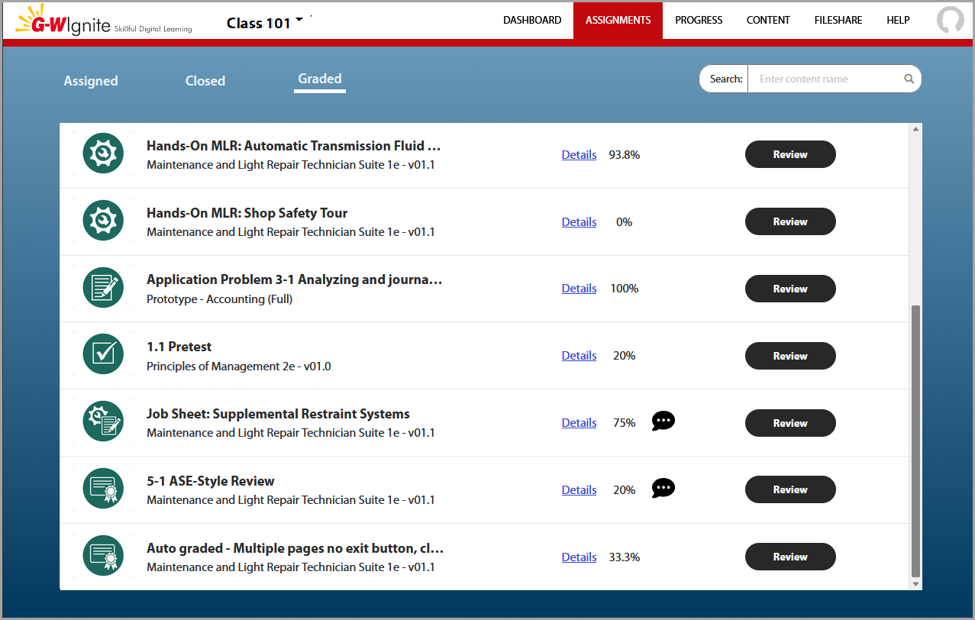
Assignments: Students may view their upcoming assignments and exams ready for completion.
Progress: Students may view submitted and graded material with instructor feedback.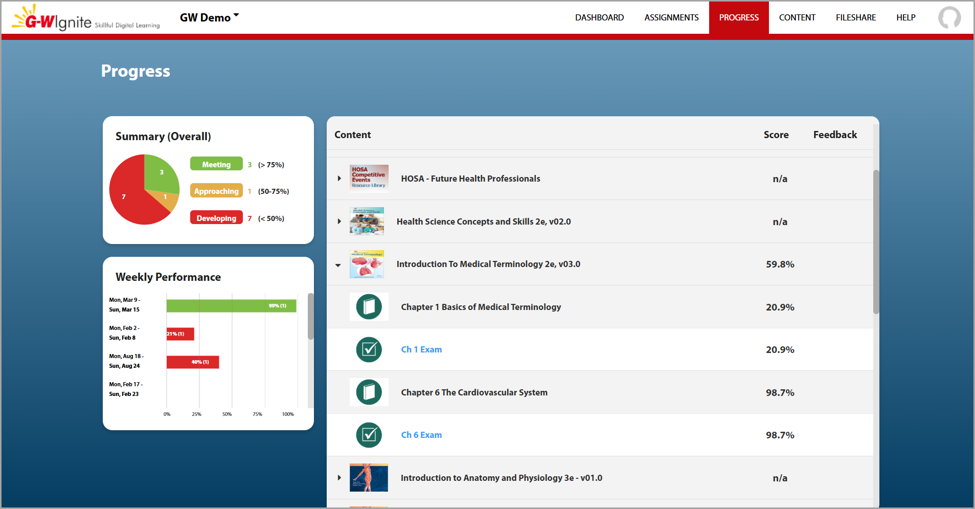
Content: Students may view course content for a particular book.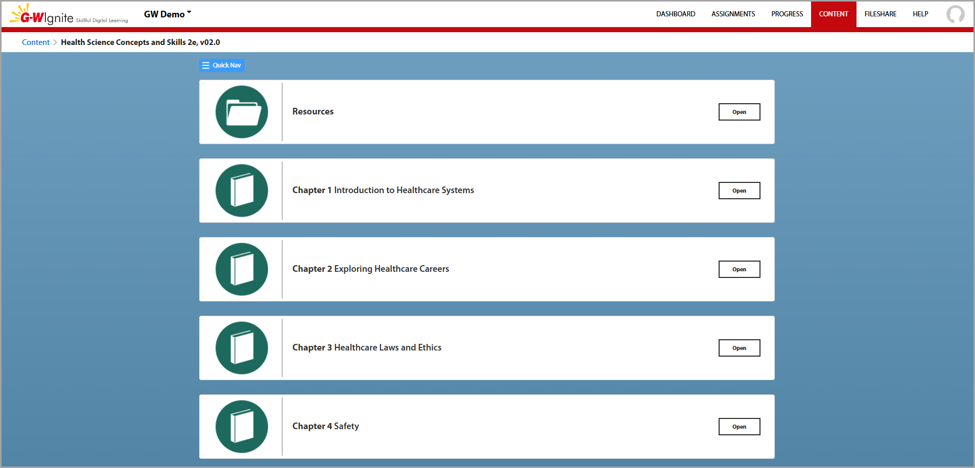
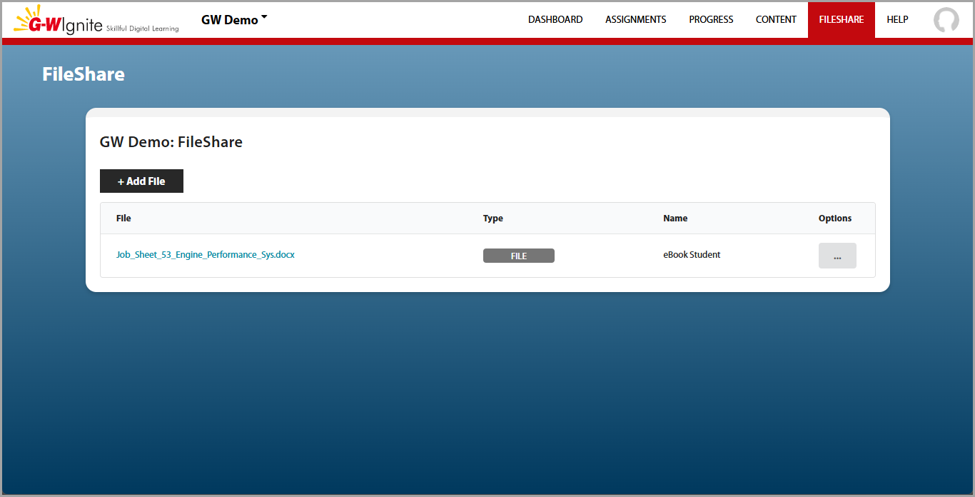
FileShare: Students may upload files for reference, to submit to their instructor as an attachment, and that are current works-in-progress.