G-W Assessment Google Classroom: Connecting to G-W Assessment

Mar 30, 2026
 4
4
G-W Assessment Classroom provides a dedicated space within G-W Assessment for organizing and managing assessments for a specific class. To seamlessly integrate G-W Assessment with Google Classroom, link your new or existing Google Classroom class to a G-W Assessment Classroom. This integration allows you to assign assessments created within G-W Assessment directly to your Google Classroom class.
To begin the linking process:
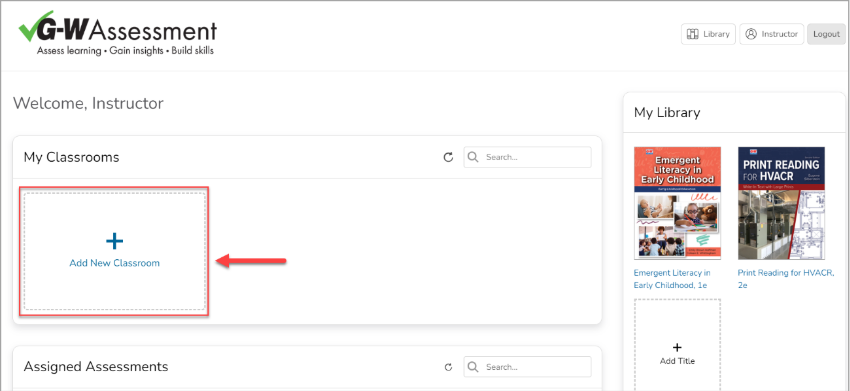
- Create a new class in G-W Assessment by selecting the "Add New Classroom" button.
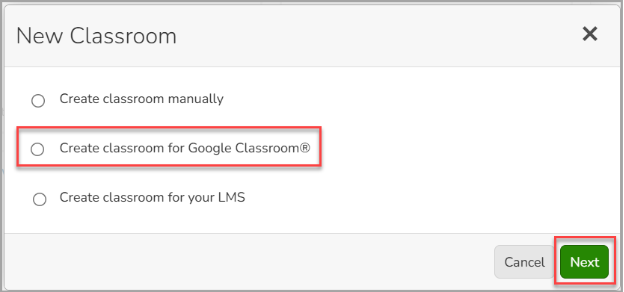
- A prompt will appear asking which type of class you wish to add. Select “Create Classroom for Google Classroom” and select “Next”.
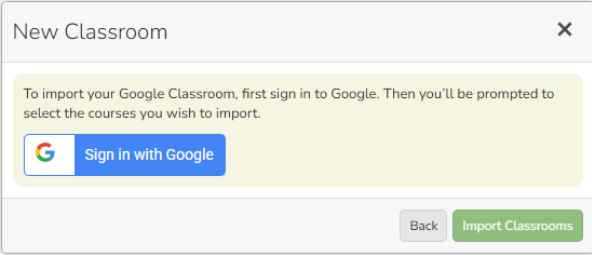
- For the first time set up with Google Classroom, you will be prompted to sign in to your Google account to properly connect classes.
- A window will appear to confirm your name and email, select continue if this looks correct.
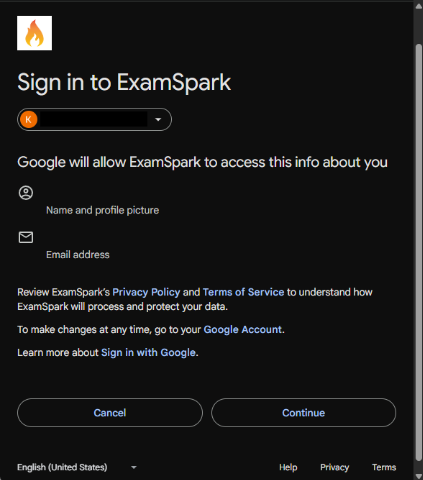
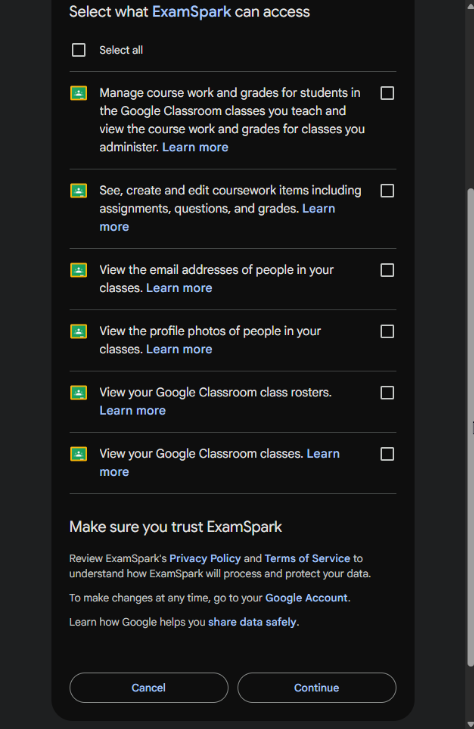
- The next window is to allow G-W Assessment to have access to specific areas of your Google Classroom to properly function. Choose the “Select All” check mark and click Continue.
- You will now see a list of classrooms you have created in Google Classroom. Select the class you wish to link with G-W Assessment and select “Import Classroom”.
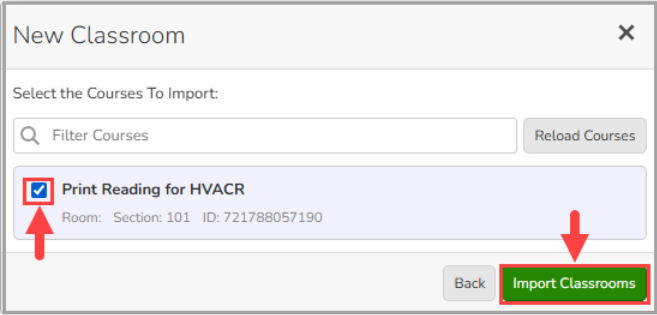
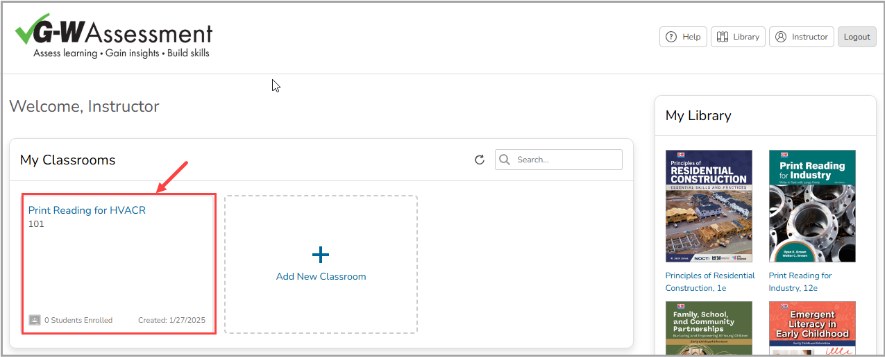
- The classroom will now appear on your G-W Assessment homepage.