

G-W Online: Locate Your Username (WHOAMI)

Apr 20, 2026
408

If you access G-W materials via an LMS (Blackboard, Canvas, Moodle, D2L, Schoology, etc.), SSO (Clever, Classlink), or directly on www.g-wonlinetextbooks.com and you are unsure how to locate your G-W Online Textbooks account, please see the below instructions:
Click to try to access your G-W materials. Once logged in, click the following link:
https://www.g-wonlinetextbooks.com/whoami
Your account will be supplied, see screenshot below:
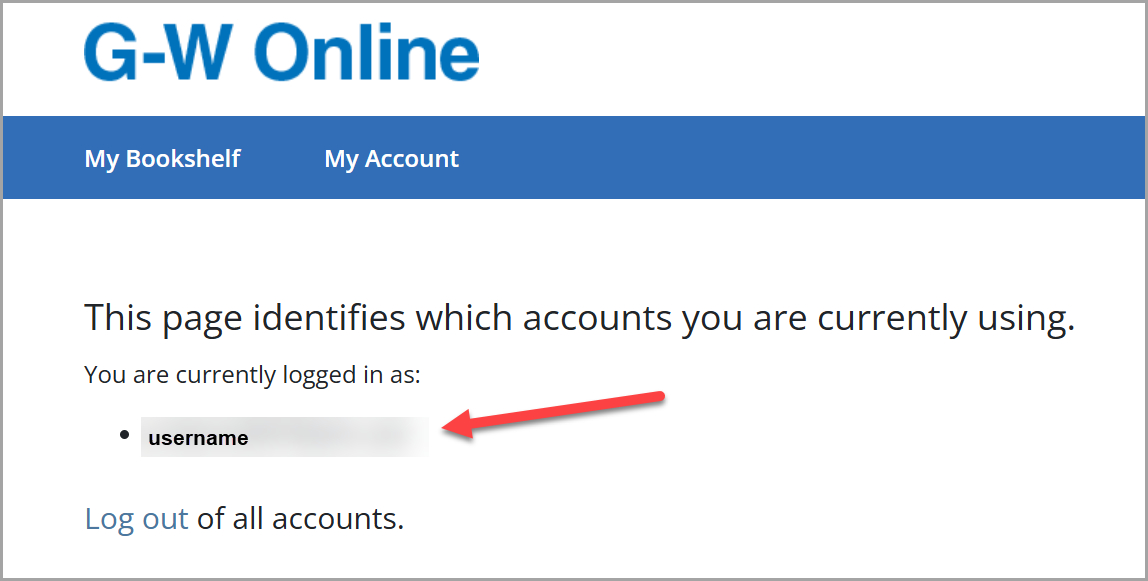
You may be asked to supply that account that you are logged in as. Just copy it and provide it to G-W Support.

