Moodle: How to activate an Instructor and Student Subscription with a School License

Jan 21, 2026
 101
101
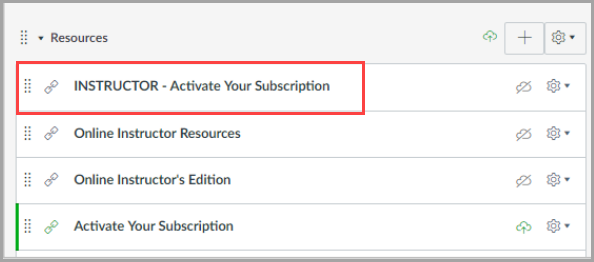
- Instructor Activation - Instructors must click on the “INSTRUCTOR – Activate Your Subscription” link to gain access to the content. When the cartridge is imported, this link will import hidden from the students. This link is programmed to allow a specific number of activations (matching the number of instructors listed in the contract). Please advise each instructor to only click this link once. Note: Instructors should not click on the student activation link, as it will count against the total number of student activations.
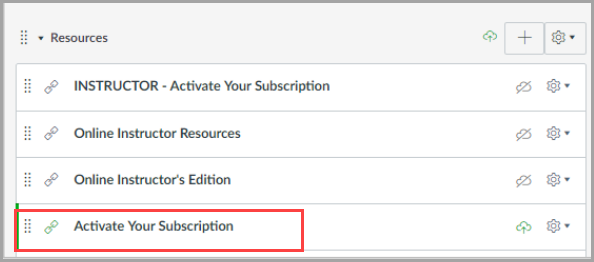
- Student Activation - Students must click on the “Activate Your Subscription” link within the course to gain access to the content. These links are programmed to allow a specific number of activations (matching the number of students listed in the contract). Please advise each student to only click this link once. We recommend hiding this link from students after the initial enrollment period is over.