


G-W Ignite: Video Player

Jan 21, 2026
 105
105
Many titles in G-W Ignite include a Video Library and video activities.
To access videos, navigate to your Video Library and select the video you would like to view:


The Video Player will pop up on your screen.
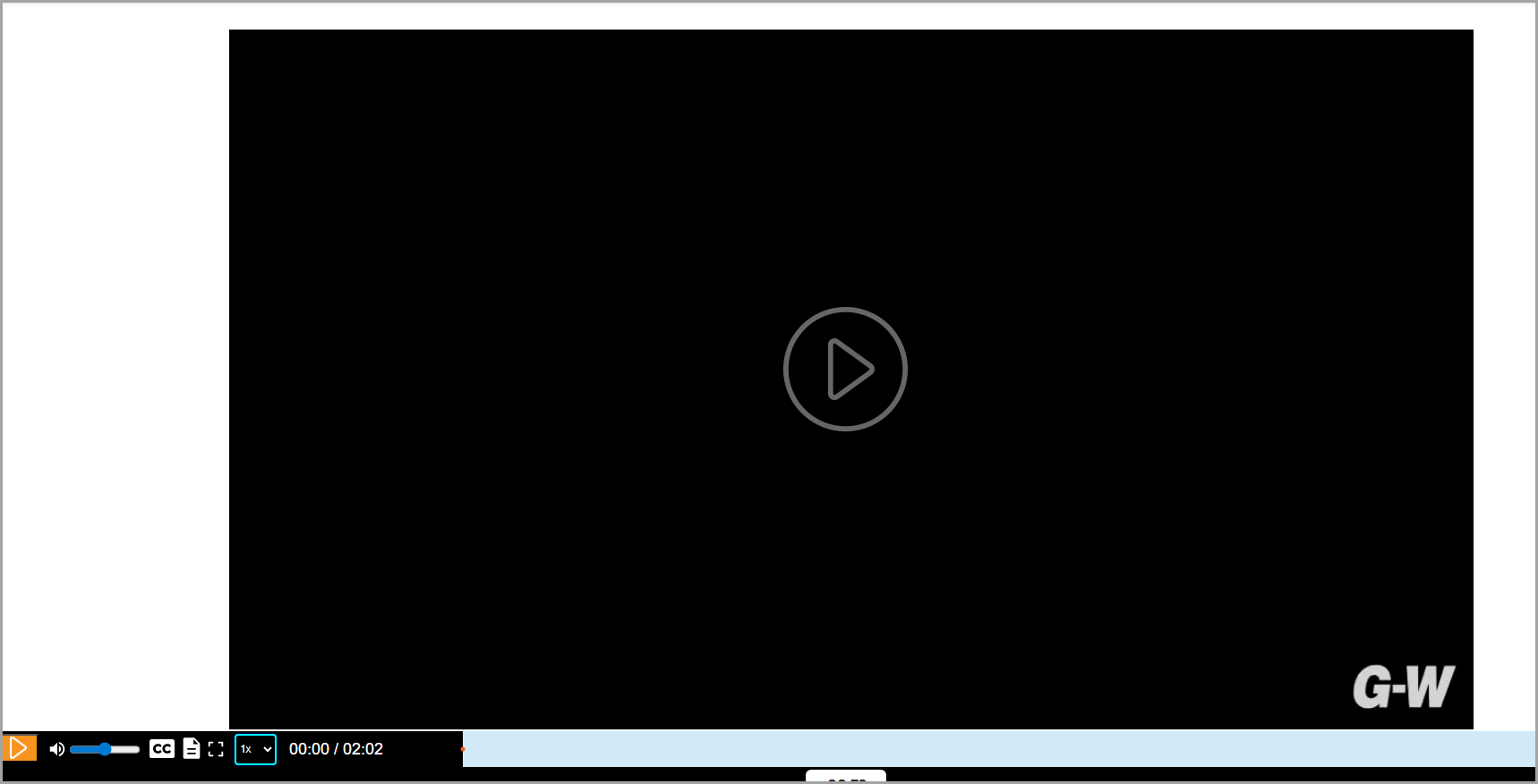
The Video Player includes the following features:
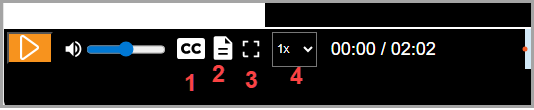
- Closed Captions - available in English and will appear on the bottom of the video screen
- Transcript - a full transcript of the video will appear in the center of the screen. The transcript box can be moved to another part of the screen for accessibility while the video plays.
- Full screen display button - this allows the video to play on the full screen
- Playback speed - allows you to speed up or slow down the speed of the video

