G-W Ignite: Notifications Page

Jan 21, 2026
 150
150
When logging into your G-W Ignite account, you will have access to the Notifications Page.
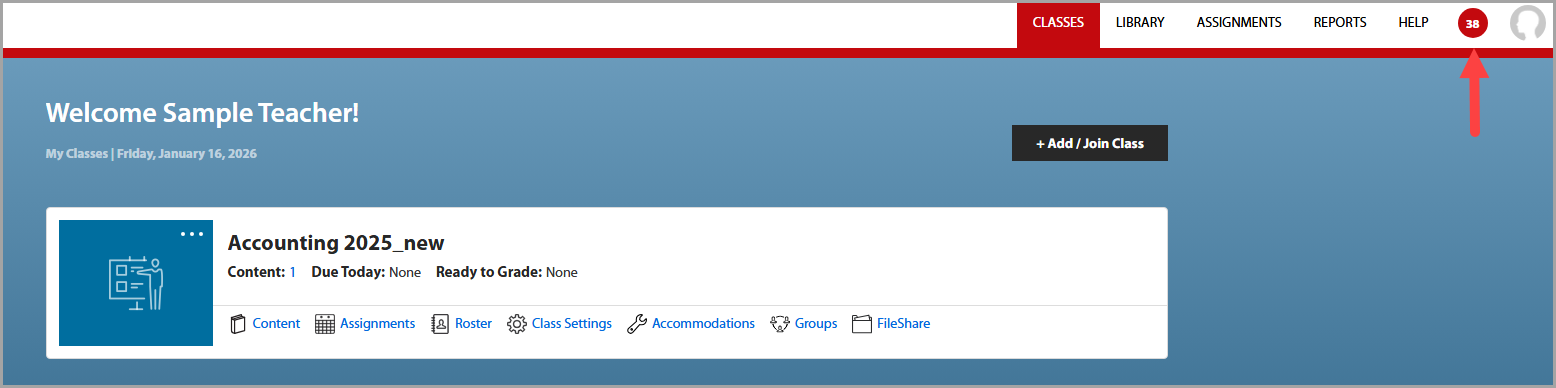
This page shows you important messages about your class and notifications such as when your class is going to expire.
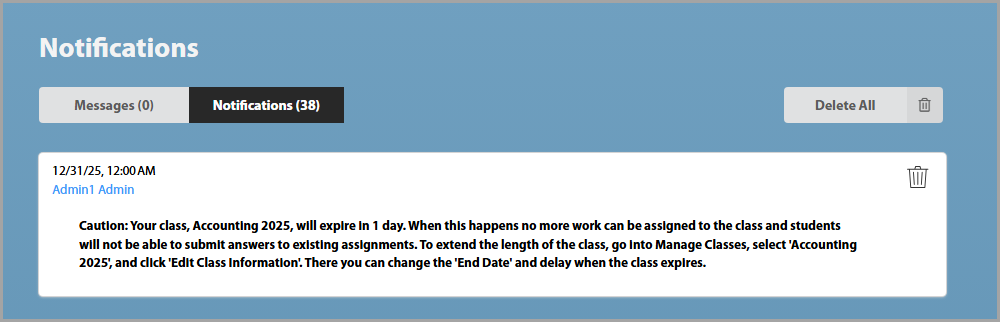
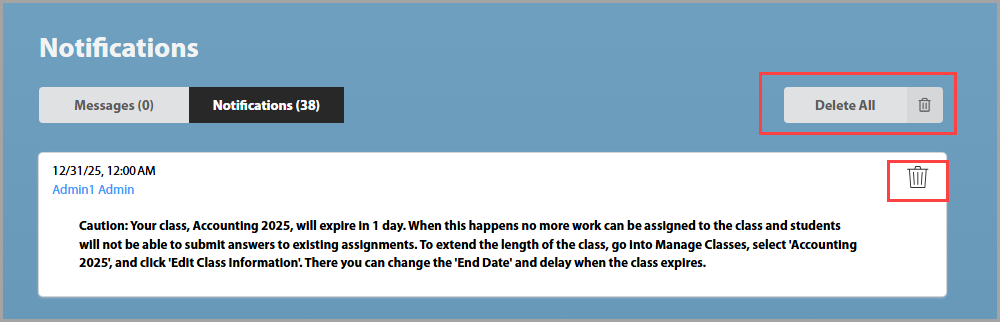
You can delete your notifications by Selecting the trash can icon next to the notification or Delete All if you would like to delete all of them.